Features / Sales channels
OMS
All orders in one queue
Orders from the store, the B2B panel, sales reps, Allegro and other marketplaces land on one list: statuses, picking, labels and customer emails in one place.
Store, B2B panel, sales reps and marketplaces in one order table, with number, status and history. You merge nothing by hand: each order shows its source, and the packing team works the same way no matter where it came from.
Orders from all sources
Voltio Wholesale, sample data: 11 orders, 58 323 PLN in the queue, 2 ready to ship
Order 1042-004234, Amazon
2 items, USB-C cable 2 m, 78 PLN
8:32 came in from the channel Amazon
8:33 number and customer record assigned
8:35 status: Ready to ship
The morning batch is one operation
Status change for many orders: the morning batch of orders changes status in one move, without opening each one in turn. You make labels and documents for the selected orders the same way, and for bigger batches you print them in bulk, in packing order.
26 of 26 orders selected
The selected orders are waiting for a decision. By hand that is every order opened separately, a label in the courier's system, the status clicked through and a document in a second program.
To: orders@elektrokowal.example
Order 1042-004231 is on its way
Good morning, thank you for your order. Tracking number: 6200 4318 2277 0145. You track it on the carrier's website.
SMS: Tracking number: 6200 4318 2277 0145. You track it on the carrier's website.
The customer gets an email before they call to ask about the parcel
A message to the customer at chosen status changes, for example after payment and after dispatch. For each status you decide whether an email goes out, an SMS, or nothing.
Customer asks “where is my parcel”? By hand that is a call to the office, finding the order, checking with the courier and calling back. Here the tracking number went out automatically after dispatch and there is no call.
What happens on its own after an order is paid
Event rules move the order along without a person. You switch each one on, off or fit it to your company's process.
Order paid
Moves to dispatch, the warehouse sees it in the morning batch
Documents are ready and waiting
The automation runs on every order, and the event is saved in the history.
An order can wait for approval
In wholesale that is often exactly how it should be. You set the rules yourself, and the other orders move on without stopping.
Everyone sees their part of the order
Roles, permissions and the activity history of the people handling orders. As many people as you need work on the same list: the packer sees it one way, the sales rep another, and accounting another.
Customer changes the order after placing it? You see who changed what and when, and documents are recalculated. With deferred payment terms a change in value also changes the customer's commitment against the limit straight away.
Order 1042-004231
Activity history
8:14 System received the order from the B2B panel
8:15 Anna Berg approved the customer's limit
8:42 Jan Meyer added the order to the pick list
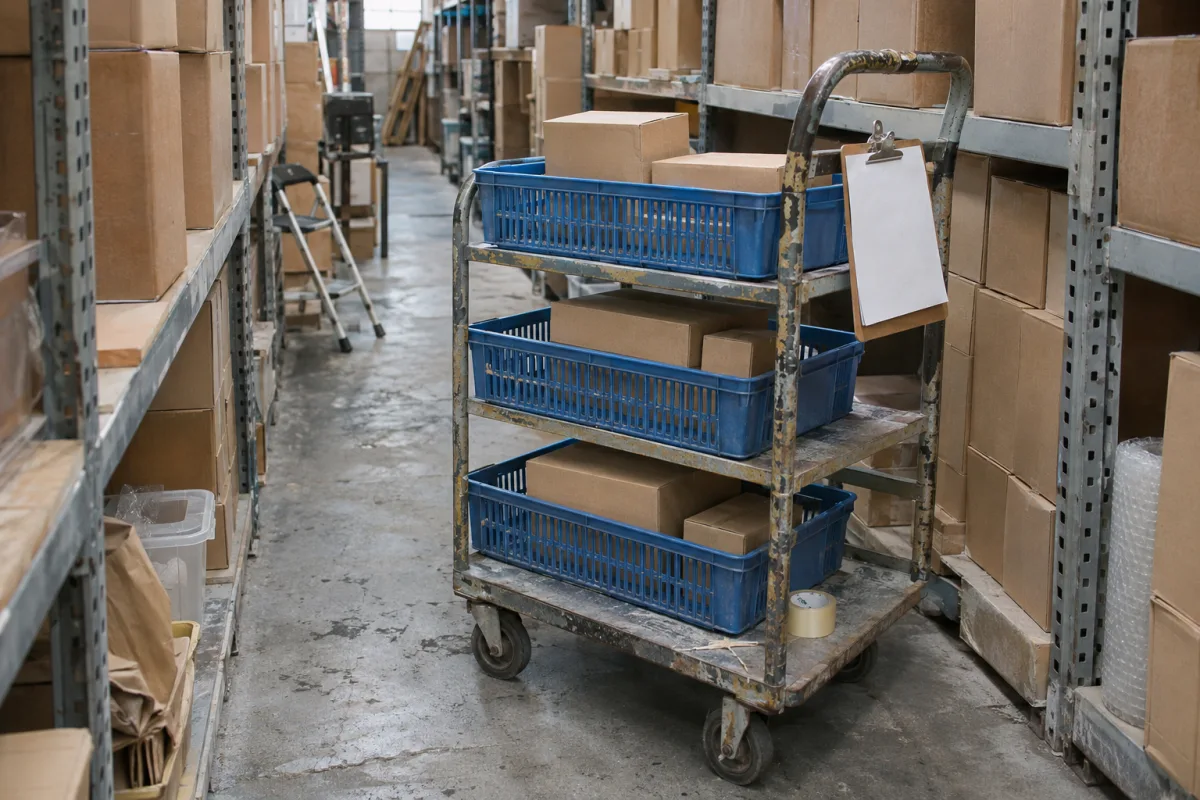
One walk through the warehouse picks several orders
Pick lists for many orders at once and packing tasks for the warehouse. Select orders, and you pick the same goods in one walk, sorted by rack location.
Orders on the list
Pick list, click an item after taking it off the shelf
Baskets on the trolley and packing tasks
Picked 0 of 3 list items.
A label from every carrier from the order data
InPost and DPD directly, other carriers through Furgonetka or Apaczka. Pick a carrier, and the label is made from the order data.
InPost
Parcel locker
Sender
Voltio Wholesale, ul. Magazynowa 4, 15-001 Białystok
Recipient
Elektro Kowal sp. j.
15-200 Białystok, BIA01M
Order 1042-004231, 1 of 1, 4.2 kg
3598 3683 9193

The invoice comes out of the order and closes itself in KSeF
By hand that is an invoice in one program, sending to KSeF and retyping sales into accounting. Here the invoice is made from the order data, the UPO confirmation is saved with it, and JPK and the EPP export go as files to the accounting program.
Order closed
1042-004231, sales data ready
Invoice issued
FV/2026/11/0482 from the order data
Sent to KSeF
without retyping
UPO saved
confirmation with the order, JPK and EPP ready
Transfers to the warehouse program
Failed transfers go to a separate place with the reason and a retry button, and the rest of the batch moves on. You see the problem at once, before the month is closed.
The Allegro offer is made from the product page
Listing offers, price lists, mapping categories and parameters, and pulling orders into the shared queue. You set terms of sale and offer templates in the same place, and the connection works both ways.
Product page VT-GAN65
GaN 65 W charger
Pricing
Terms of sale
Offer template
Allegro offer
GaN 65 W USB-C wall charger
139.32 PLN
Category mapped: Electronics, GSM accessories, Wall chargers
14-day returns, shipping in 24 h. Template: Photo and description
The offer is waiting to be listed from the panel.
More marketplaces, one stock level
We connect Erli, eBay, Kaufland and Empik through a shared channel layer, and Amazon or any other marketplace the same way: orders land in the queue, offers and stock match, and the status goes back to the marketplace. Click a marketplace to sell one unit there.
GaN 65 W charger, 24 pcs in one warehouse, the same stock on every marketplace
An external wholesaler adds stock, prices, descriptions and photos for selling on a marketplace or in the store. Stock on the document, quantity available to sell and the number shown to the customer are three different things, so with two warehouses we count each of them separately.
Marketplace returns in the same queue
Your own statuses and reasons, return labels and notes on every case. Between companies the fourteen days from retail do not apply, so you set return rules for your wholesale, and everything stays in the system.
Return for order 1042-004187, Allegro
Reason: changed their mind. Note: Box undamaged, check the contents
Everything the OMS does, along the order's path
PIM module
Product records: names, descriptions, photos, attributes, variants, translations, import from a file or FTP.
Price lists module
Many base price lists, pricing rules, automatic recalculation of prices and margins.
Staff accounts
Roles, permissions, statistics and user activity history.
External wholesaler
Pulling stock, prices, descriptions and photos for selling on a marketplace or in the store.
Customer emails
Messages at chosen status changes, from your own templates, also by SMS.
To start you get
Account setup
Setup to your requirements, connecting marketplaces, email templates.
Training
Up to 6 hours at your office.
Order history import
We move earlier orders from marketplace accounts or stores into the queue.
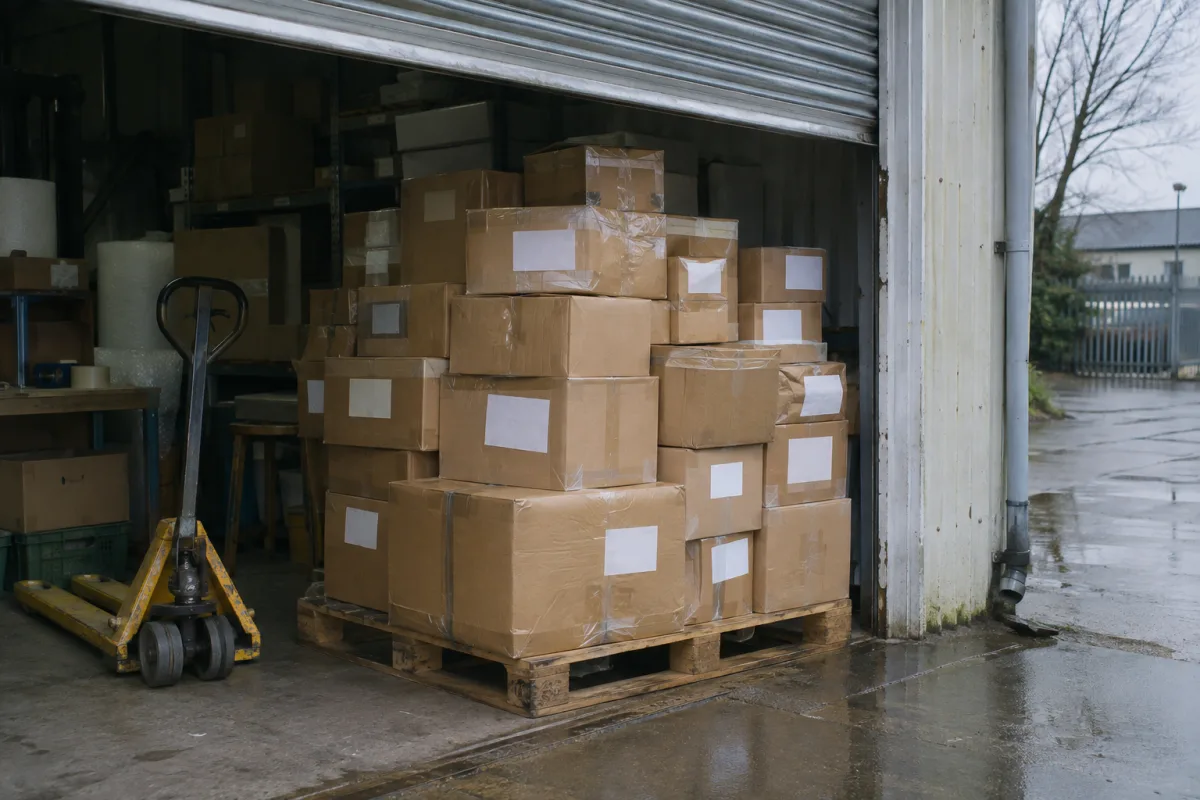
We will build your OMS for you
Implementation is a one-off from PLN 499 net. We start work after payment.
A field sales rep writes to the same queue the office sees.
You add the OMS to the core without data migration. See the stages.
When it pays off, what it requires and where the product code trap lies.
Deadlines, thresholds and the invoice, correction, return path.
Why the fourteen days from retail do not work between companies and what must stay in the system.
Stock on the document, quantity available to sell and the number shown to the customer are three different things.
A deadline that is too optimistic comes back as a call and a complaint, and no deadline as a call right away. What to promise and when a deadline stops being true.
Where failed transfers come from and how to catch them.